
Fixing PDF Layouts on Your Smartphone
It is common to end up with blank pages, scanning errors, or out-of-order layouts when building a digital portfolio or submitting tax receipts. Rearranging these files used to require expensive desktop suites. Now, you can easily delete pdf pages on mobile using clean, intuitive user interfaces.
Reordering PDF Pages with PDFMergify:
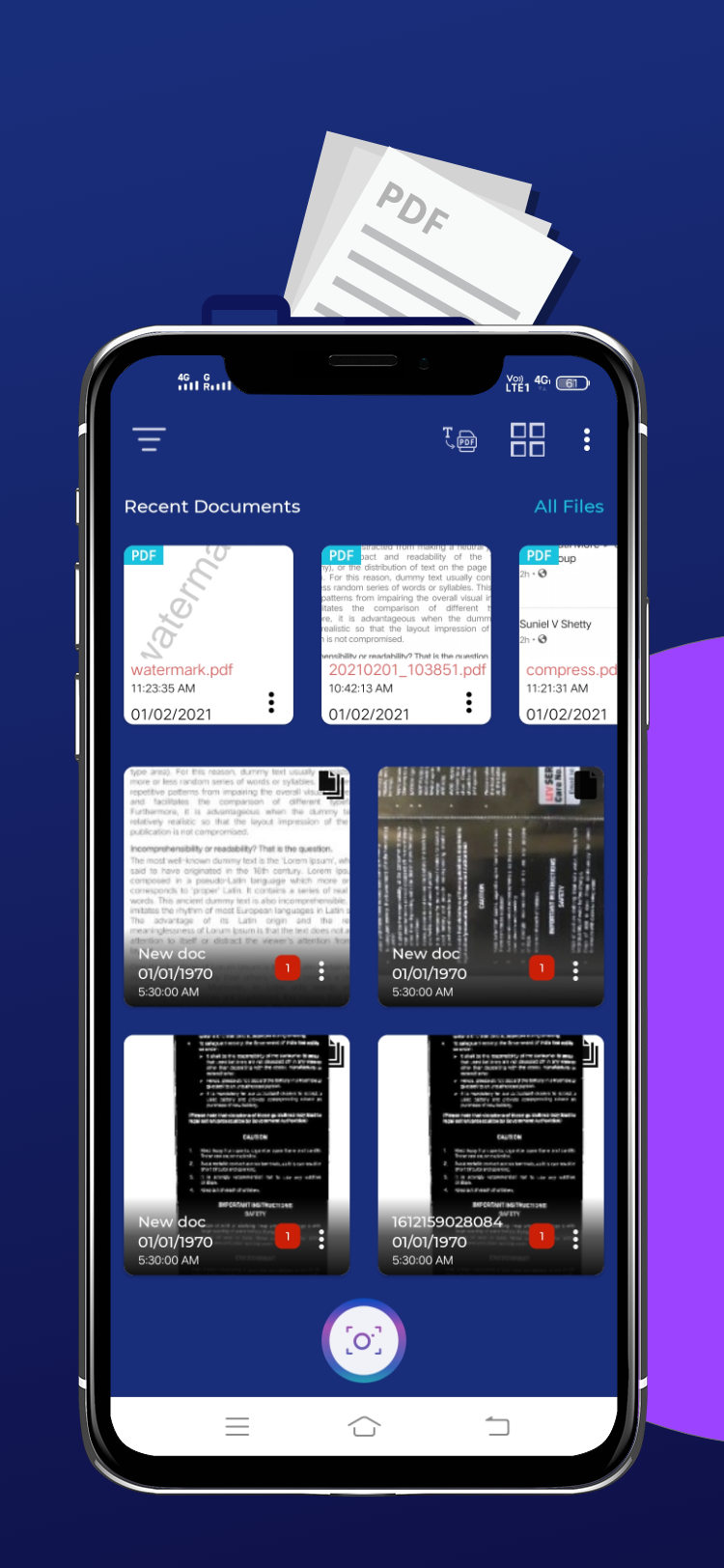
PDFMergify features a visual page management screen. Once you load your file, the app displays every page as a thumbnail. You can drag thumbnails to reorder pages or tap the delete icon on individual pages to remove them. This is the fastest way to format slides, essays, and work projects on the go.