
Managing Large PDF Documents on the Go
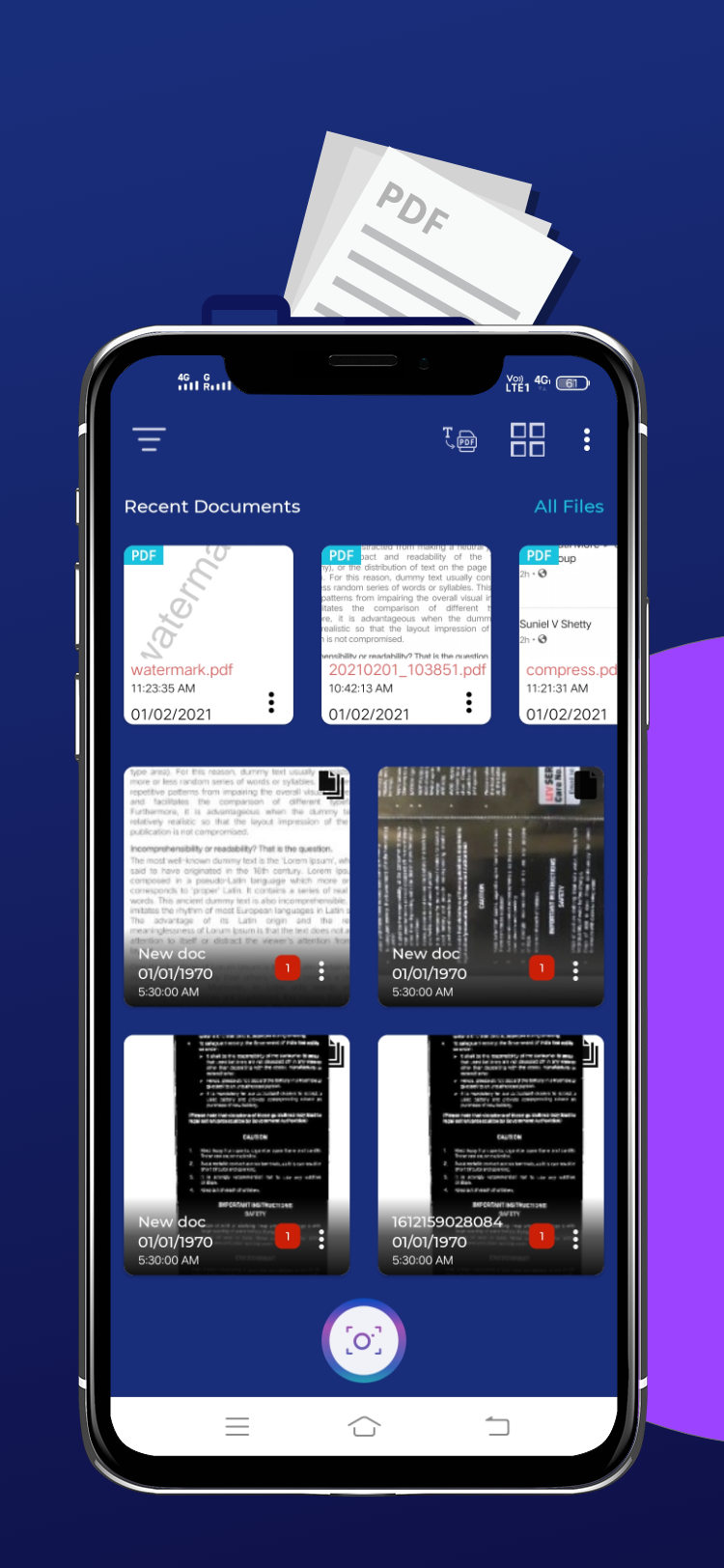
Sometimes, you don’t want to share an entire 100-page report; you might only need page 12 and 15. In such cases, knowing how to split pdf pages offline is a highly useful skill. Instead of booting up your computer, you can easily perform this task directly on your Android phone.
How Page Splitting Works in PDFMergify:
- Import the large PDF document into the app.
- Select the “Split” feature and check the pages you wish to separate.
- Export the chosen pages as individual files, or merge the extracted pages into a new compact document.
Download PDFMergify to handle page splitting on-the-fly and keep your document library organized.