
DSC Scanner App
Our Mobile apps are fulfil users demand by making them satisfied with great features as per their use.
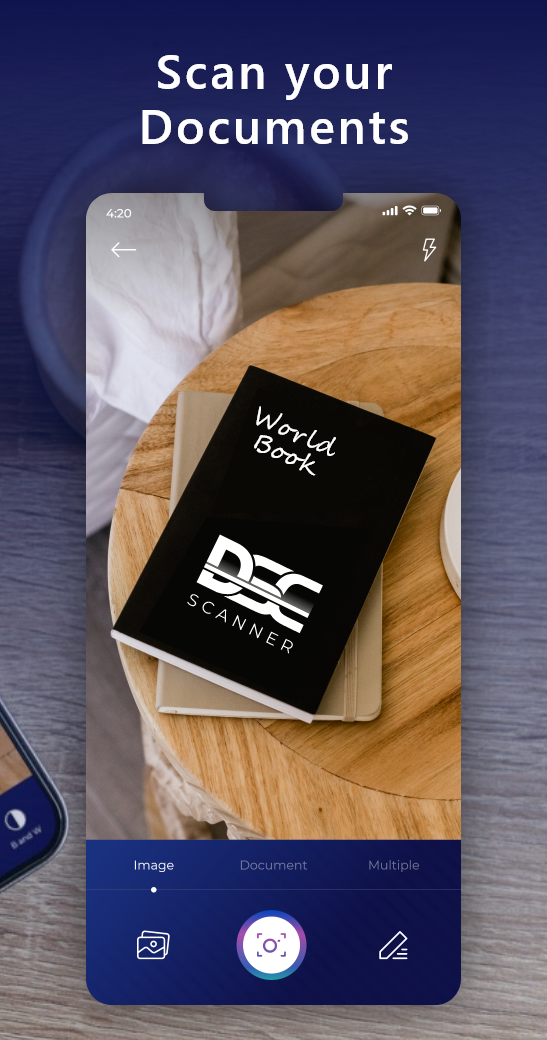
Scan Single or Multiple Images, Crop, Edit
Our DSC Scanner and PDF Creator app helps you to scan any type of image files easily in HD quality. You can also manage multiple images by cropping and editing them as per your need.

Scan Image and Create its PDF, Convert JPG, PNG and Text to PDF
You will be able to scan any type of image and create its PDF file. This scanner application also allows you to easily convert all your image files such as JPG, PNG and Text into PDF documents.

Create and Share Password Protected PDF File
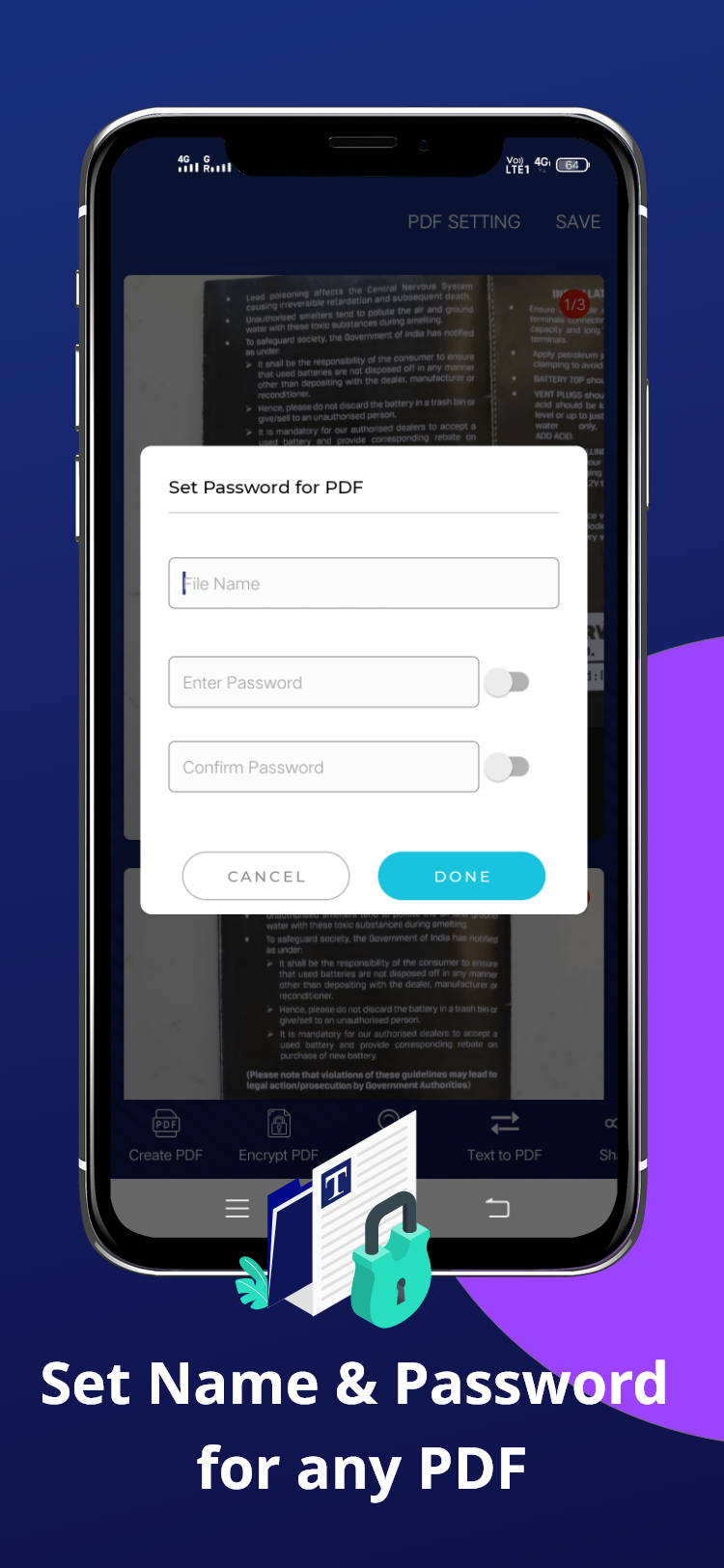
If you are worrying that your files and documents are safe or not then download and install our PDF creator app for creating a PDF file and make all your docs and files password protected.

OCR(Extract text from an Image to share text or create PDF)
DSC Document scanner app is also having a feature called OCR by which you can extract text from any image and create PDF which is also password protected and shareable with anyone.
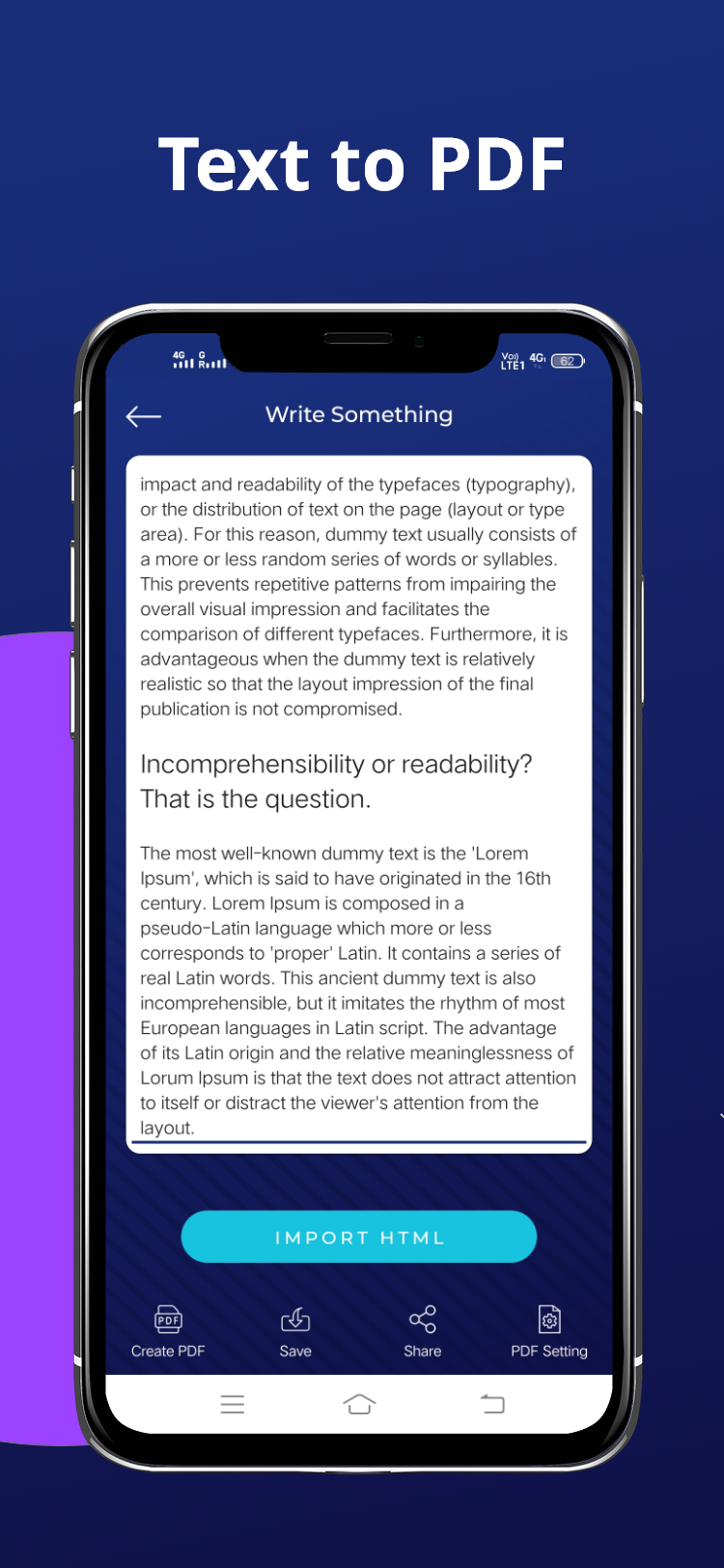
Import HTML or Text File to Create PDF
The application is helping you to import any HTML or text file into your device and also allows you to easily create password protected PDF files for your imported documents such as HTML, text etc.
Write your Own Idea as Text to Share as PDF Docs or Text
If you have any ideas in your mind and want to convert them into PDF docs, files or text then just write the things on word documents and scan it and create your PDF file for your own wordings.
Read Content from HTML or Text File
This is a free android application for OCR Reading to read the text from your HTML and text files from scanned papers and documents. It reads text from paper, photo and pdf printouts also.

Compress PDF to Reduce File Size
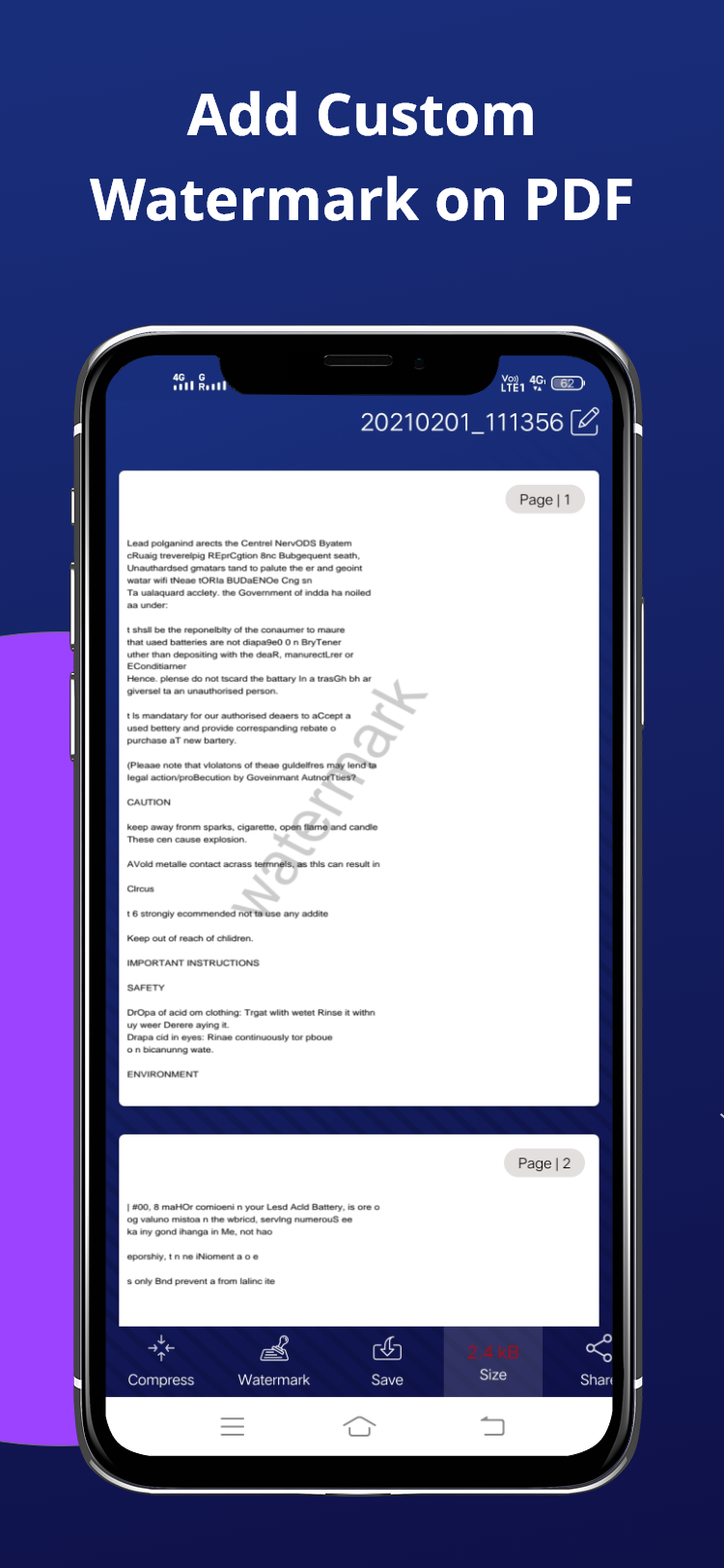
Compressing PDF file size makes it possible for anyone to reduce your PDF file size, especially useful for those PDF files with many scan graphics etc. So you can do all of this with this app.
Find your Shared Docs at a Place
The Doc Scanner is a PDF document scanner and creator app. You can scan documents, receipts, photos, reports, or anything you want and put all your docs and files at a single shared place.
Automatically / Manually Boost the Scan Output
If you don’t own a scanner, you can still digitize documents quickly with a mobile scanning app called DSC Document scanner that helps to boost the scanned docs automatically and Manually.

Optimize Document with Color and Light Mode
An Indian DSC document scanner app that provides you with more advanced scan options such as optimizing documents with color and light mode if compared to any other apps on the store.
Smart Cropping Tool for Enhancement
The application also has the feature for smart cropping that enhances your scanned documents, having an auto smart cropping tool that crops documents and images easily as per your needs.
ID Card Wallet Facility
Save all your IDs and cards in one place with our DSC document ID scanner app. The scanner app is a safe and a secure mobile wallet app which always protects your personal documents and IDs.

Organize Docs with Folder and Sub Folder
Our PDF Scanner is an app that lets you transform physical documents into digital, quickly transform paper docs into high-quality PDFs which you can organize with folders and subfolders.
Share Documents with Ease
Use this app to scan right from your phone for just about anything you want to convert to a digital file. Then securely store, organize, and share your files with ease with anyone you want to.

Front and Back Scan Feature
Front and Back scan feature is also there in DSC Document Scanner. It can scan the front and back side of any doc, id cards, passport or anything that can be scanned with your phone's camera.

Set Page sizes and Header Names for PDF Docs
The PDF Creator app allows you to scan documents and create PDF files with setting their page sizes according to your need. You can also set header names for your PDF files and documents.

Create PDF with Customize Name, Add, Delete PDFs
Create PDF files from the DSC scanner app with customized names. The application also allows you to add and delete your PDF files once done with creating and editing it after scanning.
App Screenshots
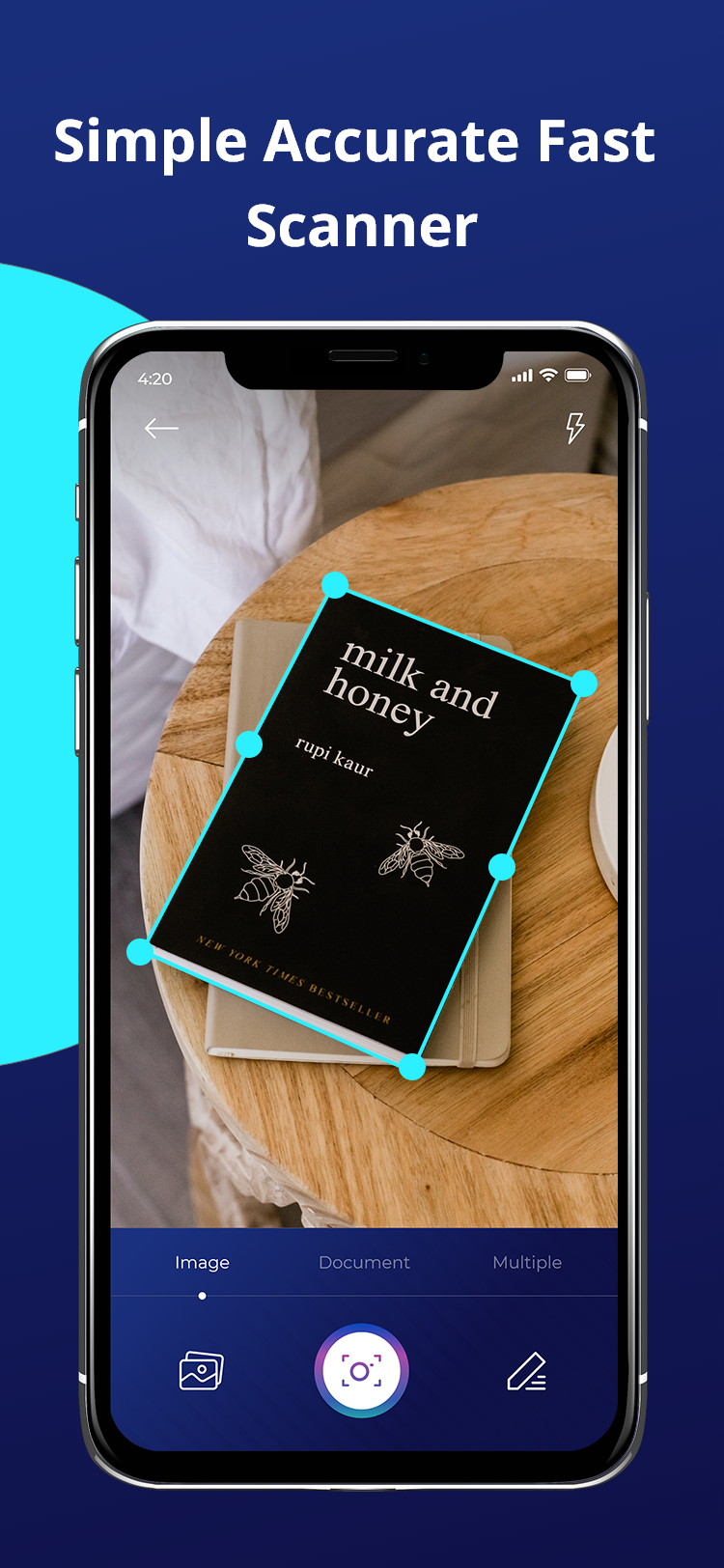
Automatic edge detection crops your document perfectly.
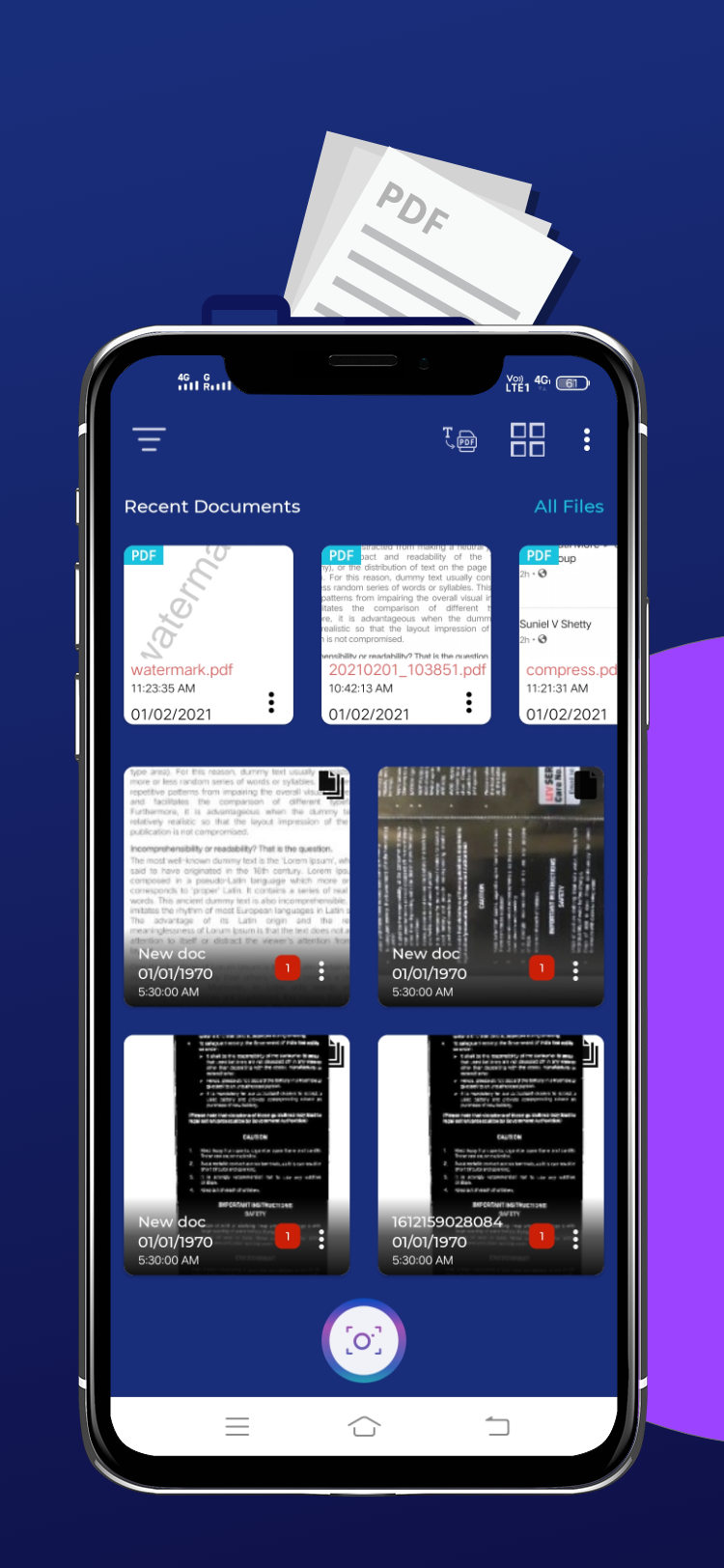
Keep every scan organized in Recent Documents.


Common Questions
Can I password-protect my scanned PDFs?
Yes — DSC Scanner can create password-protected PDF files to keep your scans private.
Does it support OCR (text extraction)?
Yes, you can extract text from a scanned image and share it as text or turn it into a PDF.
Can I scan the front and back of an ID or document?
Yes, front-and-back scanning is built in for ID cards, passports, and similar documents.