
PDFMergify Merge & Split PDF
The ultimate PDF toolkit for your smartphone. Merge, compress, and edit PDF files instantly with robust and stable features.
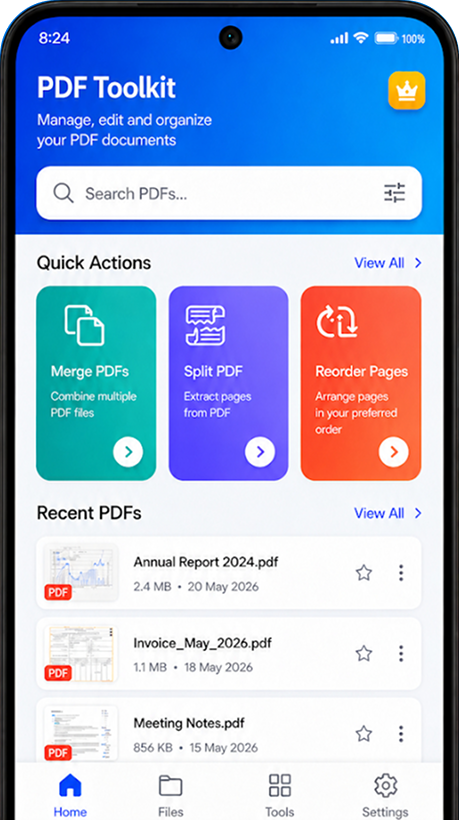
Everything You Need for PDF Files
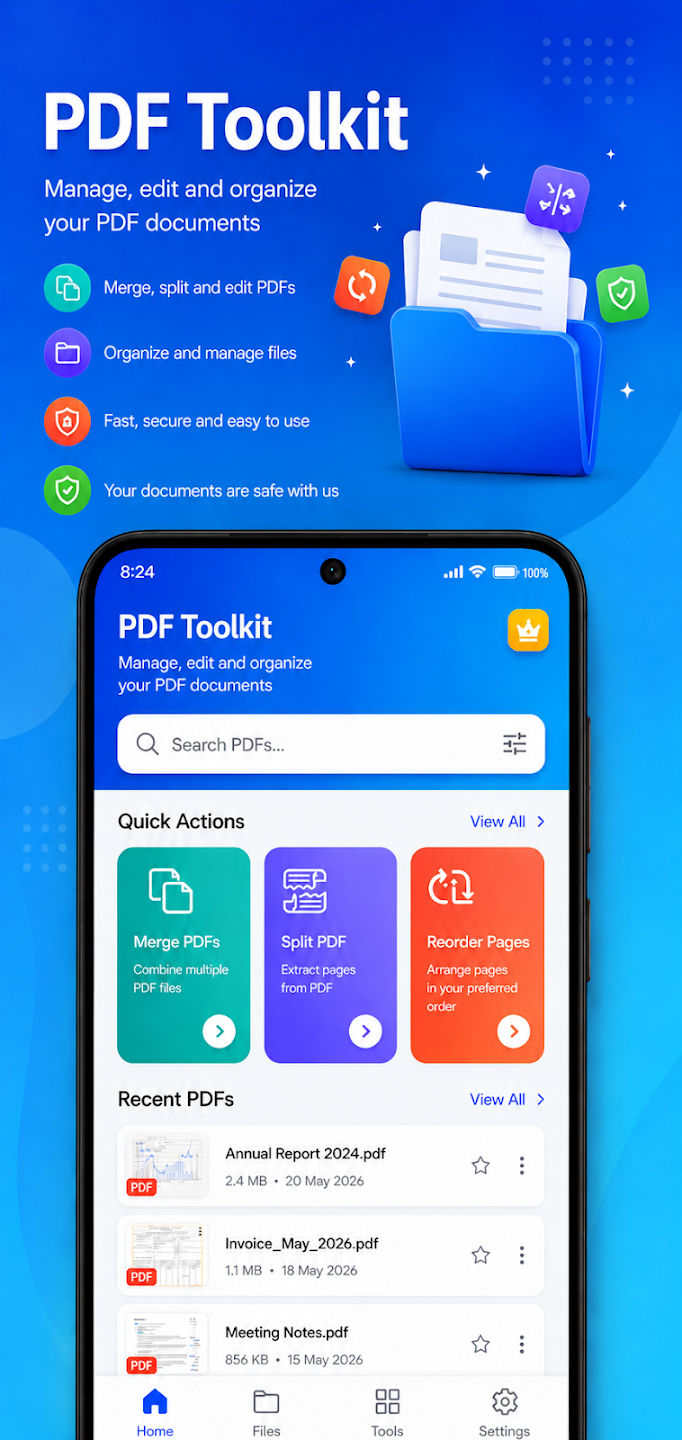
- Merge PDF
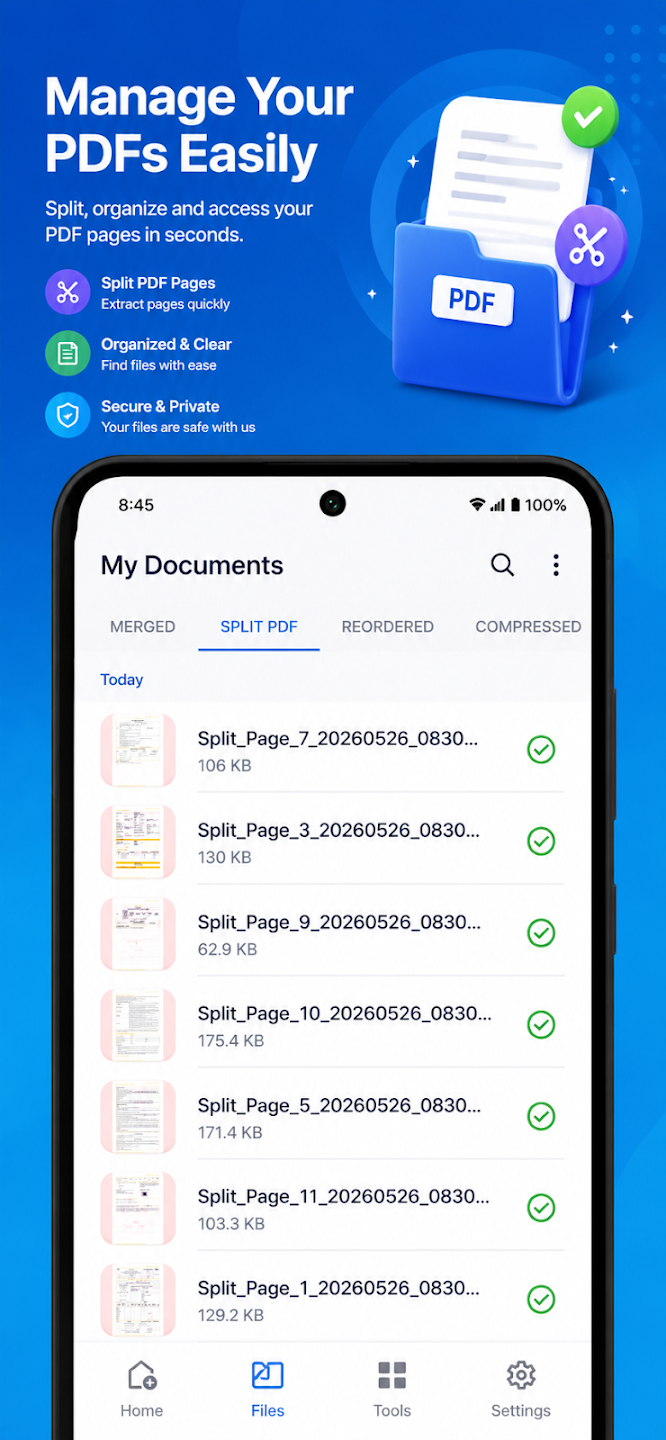
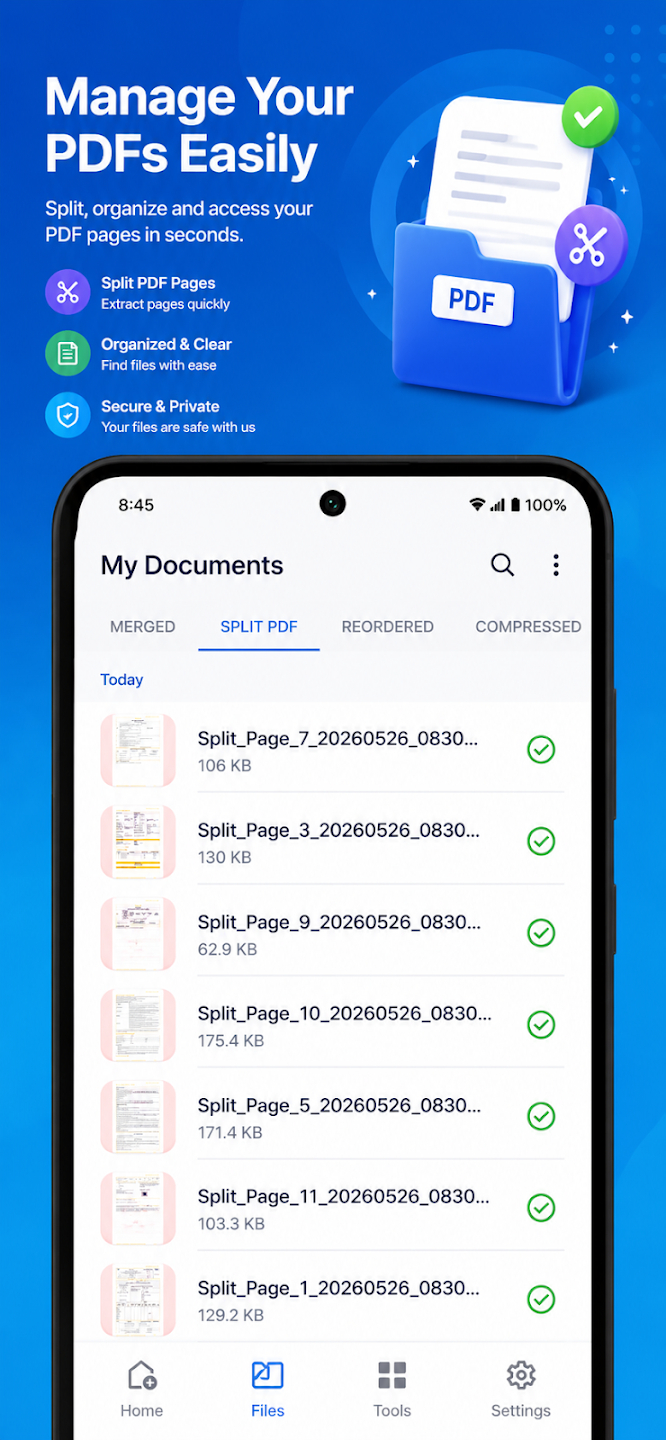
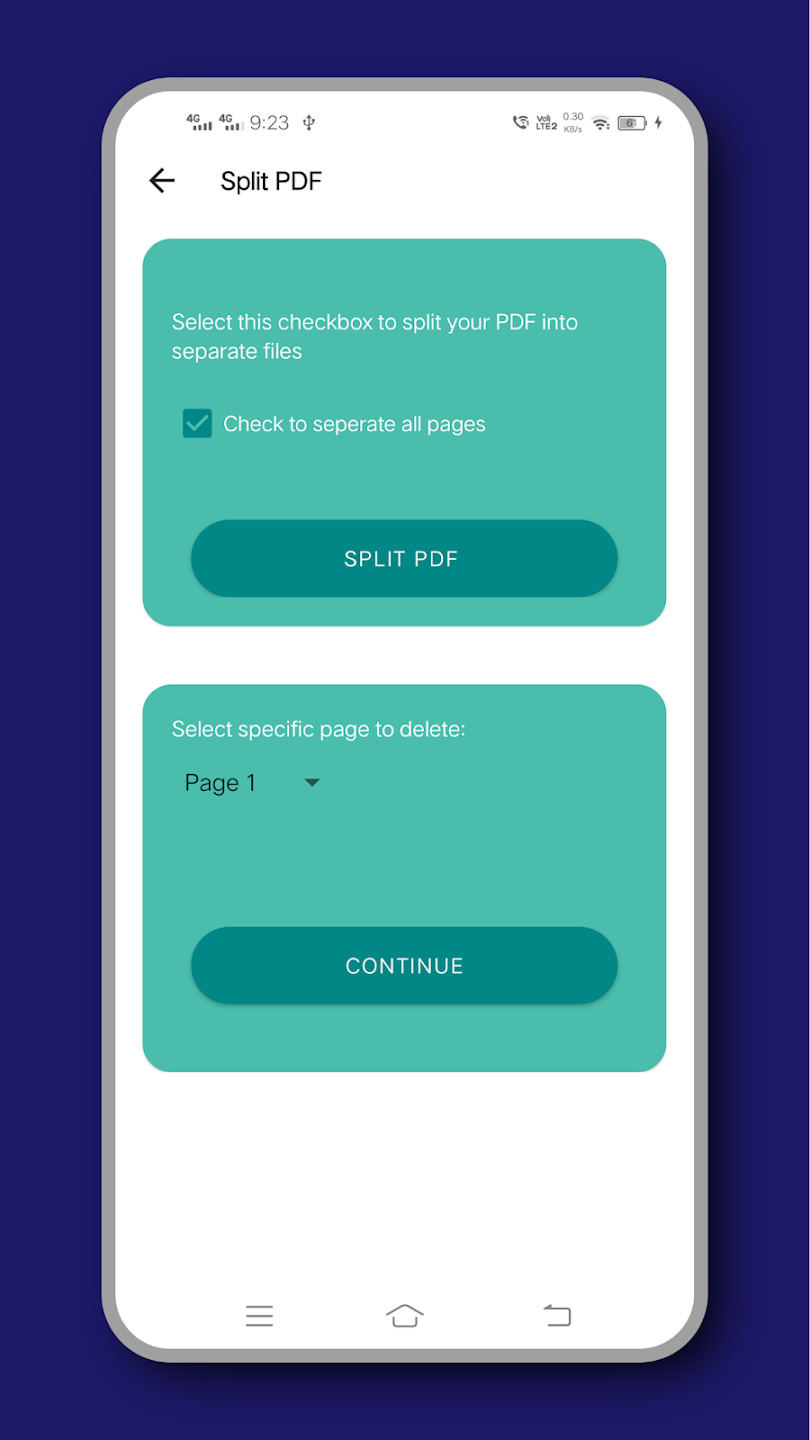
- Split PDF
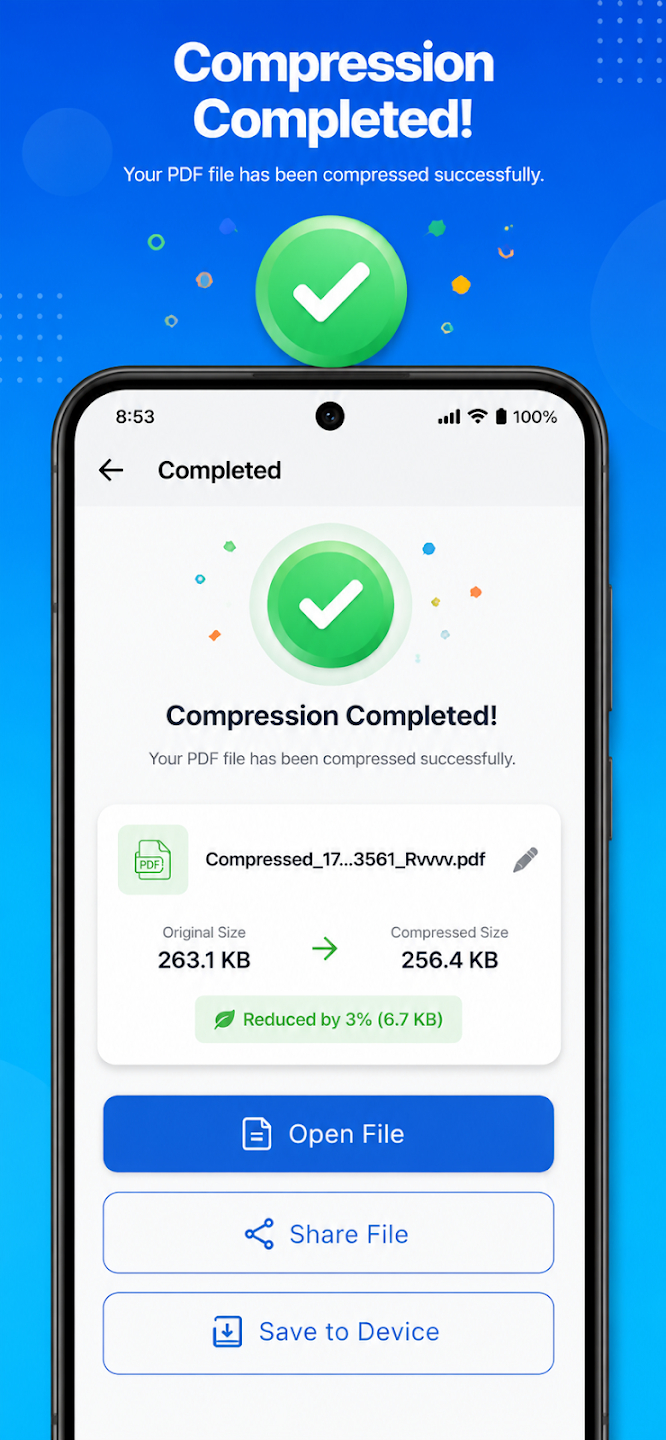
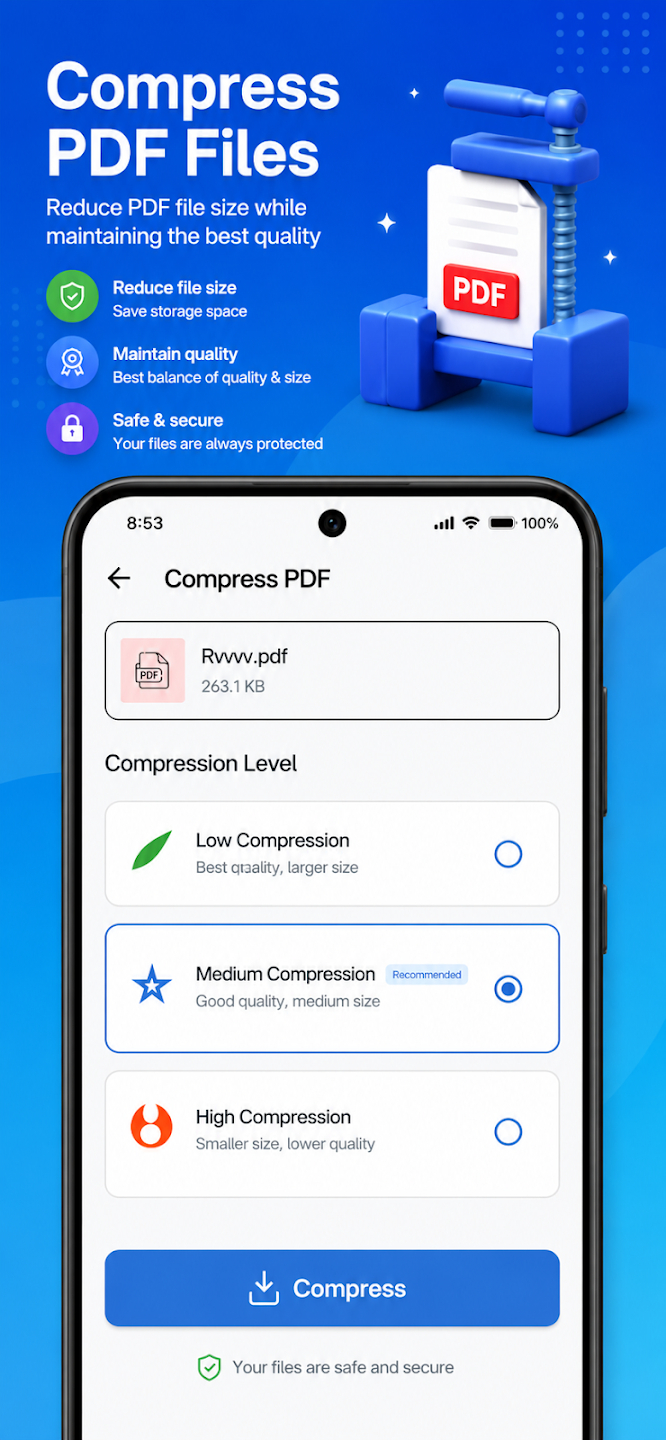
- Compress PDF
- Delete PDF Pages
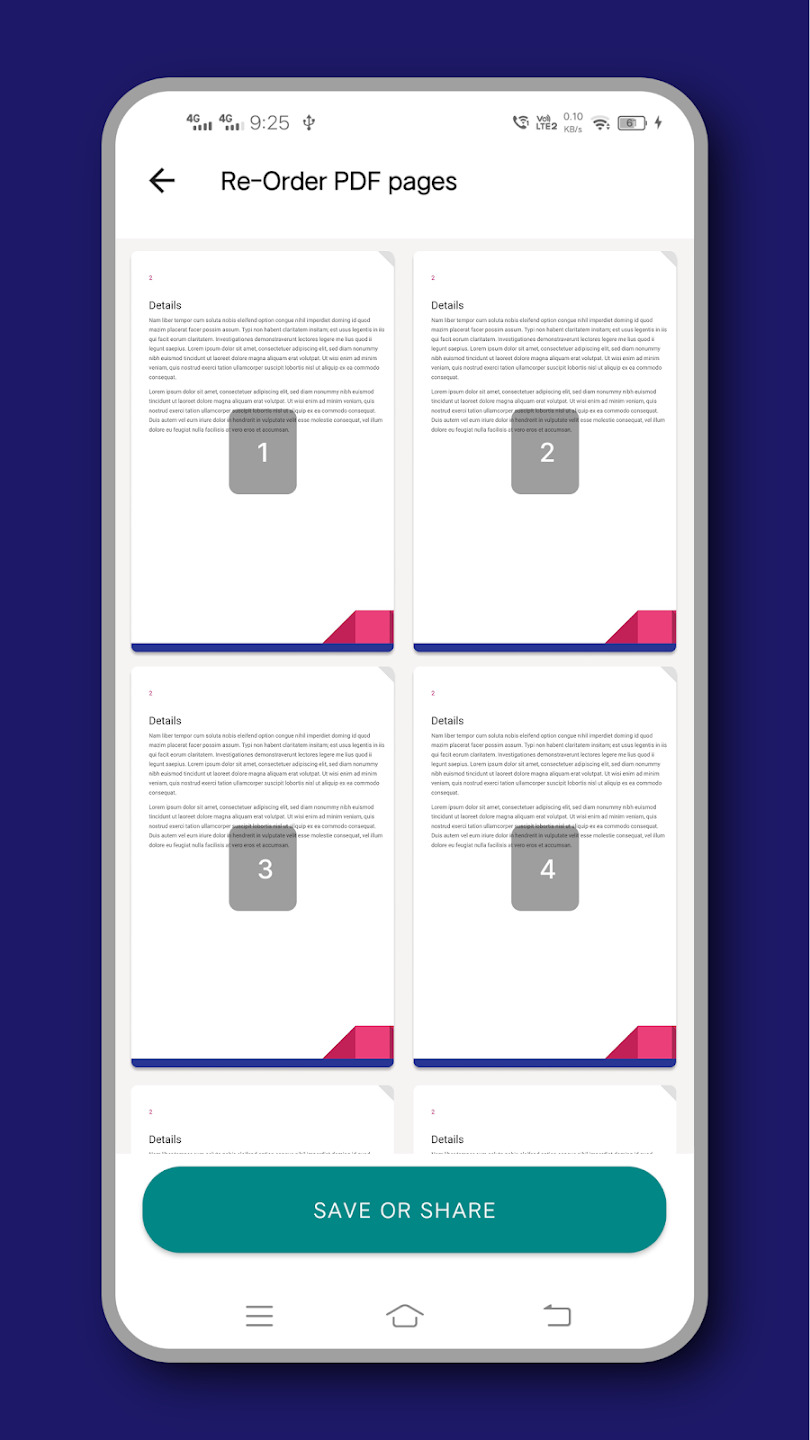
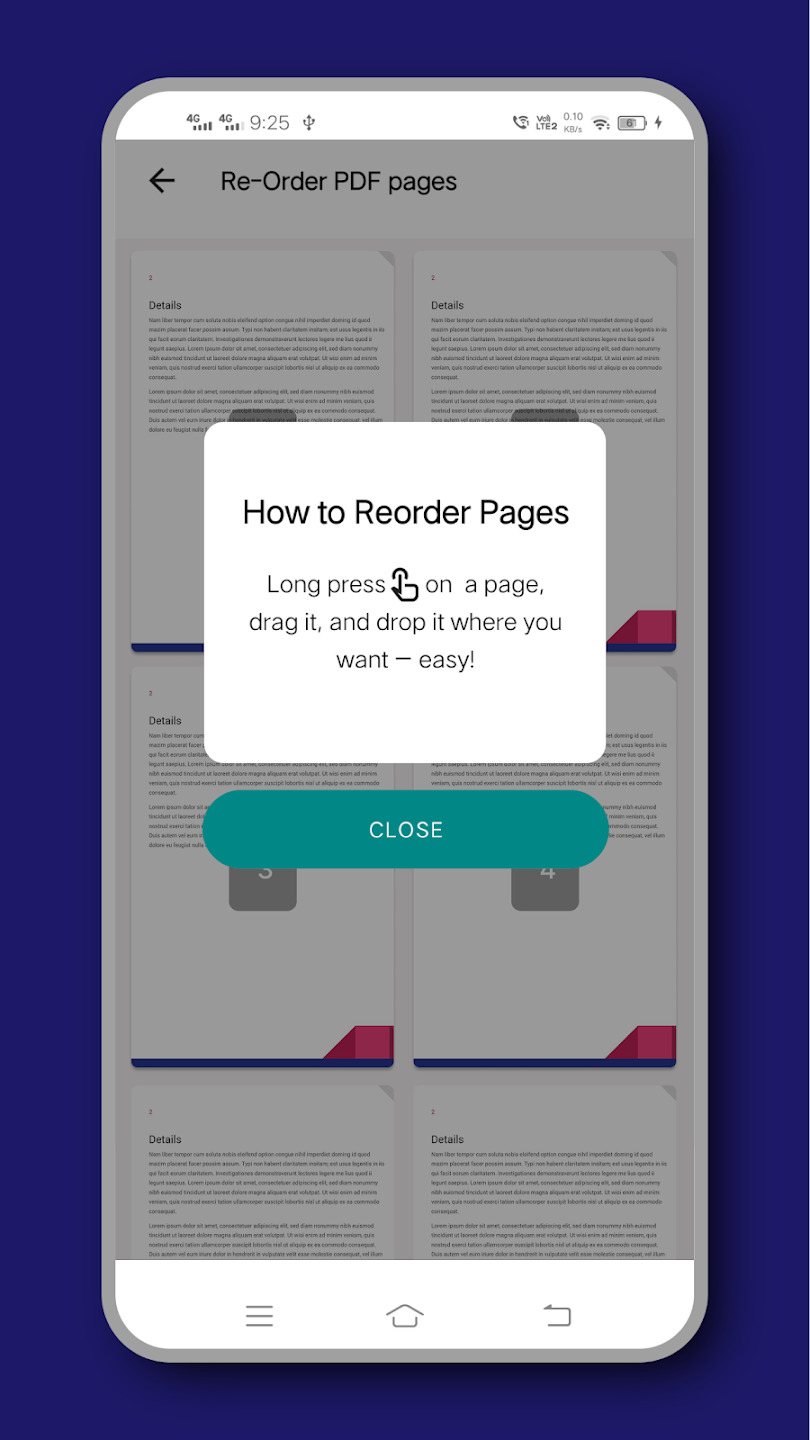
- Reorder PDF Pages
- Organize PDF Files
Merge Multiple PDFs Into One
Easily combine multiple PDF documents into a single consolidated file with a clean order, directly from your mobile device.
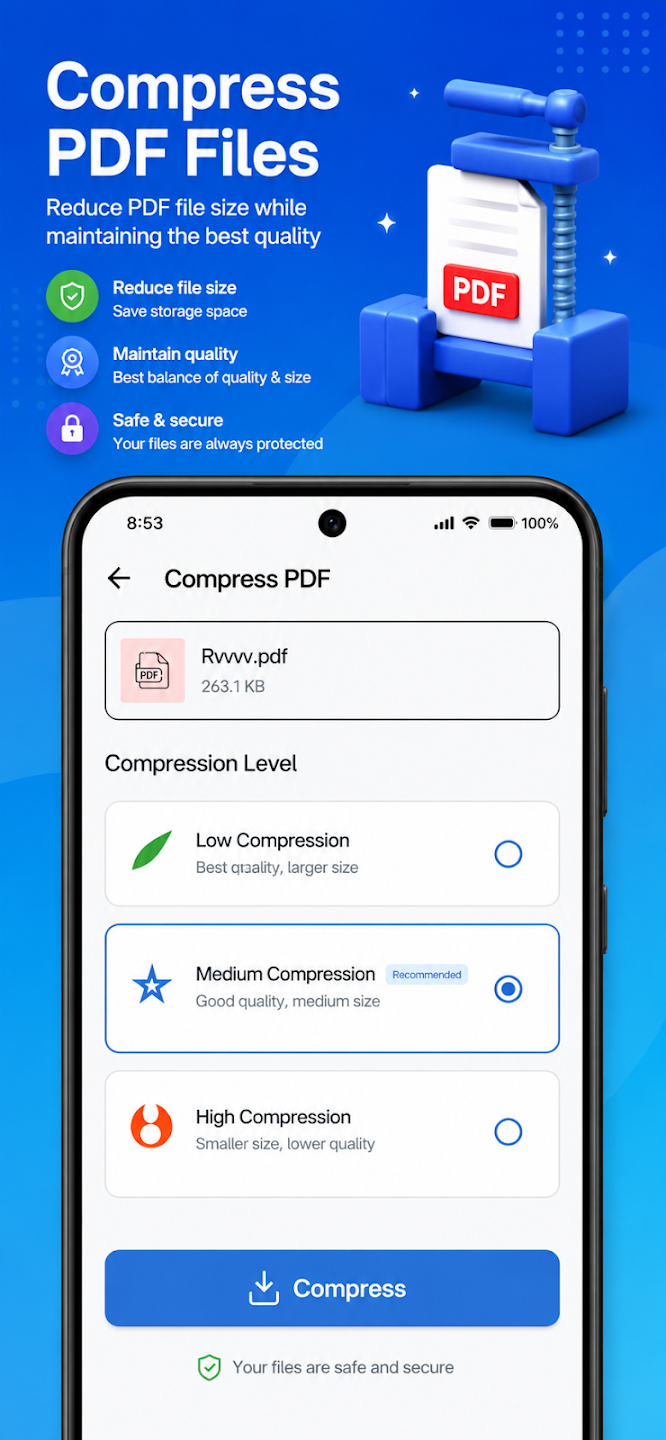
Compress to Optimize Storage
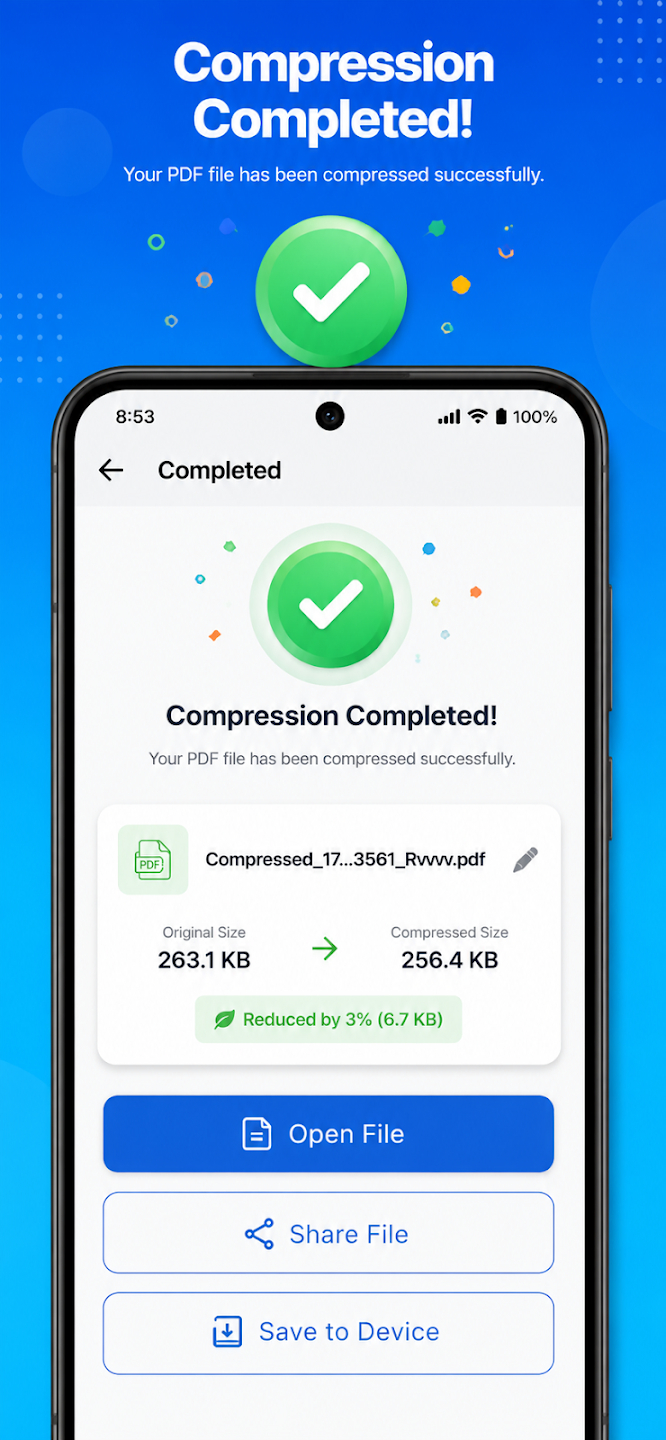
Reduce file sizes of your PDF documents with a smart compression algorithm that preserves quality while freeing up memory space.
Edit & Organize Pages
Add password security, delete pages, reorder sections, and manage your PDF portfolio on the go with complete ease.
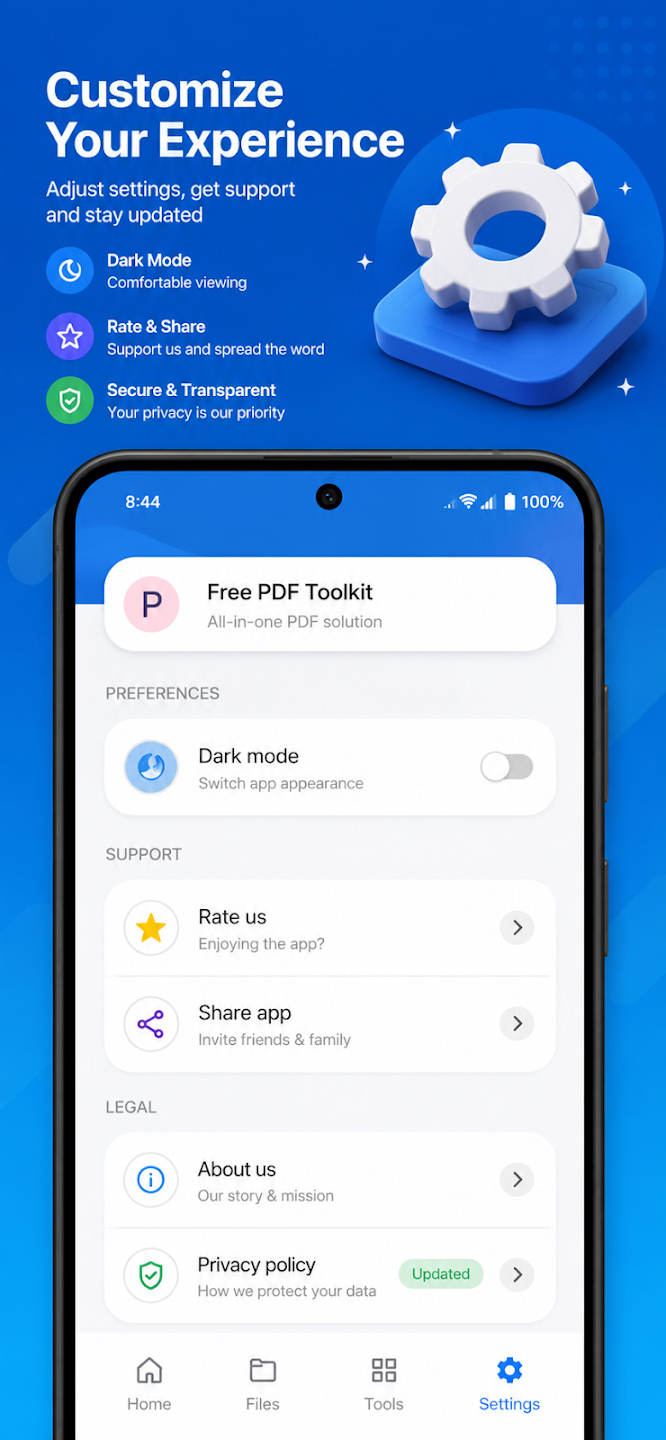
App Screenshots
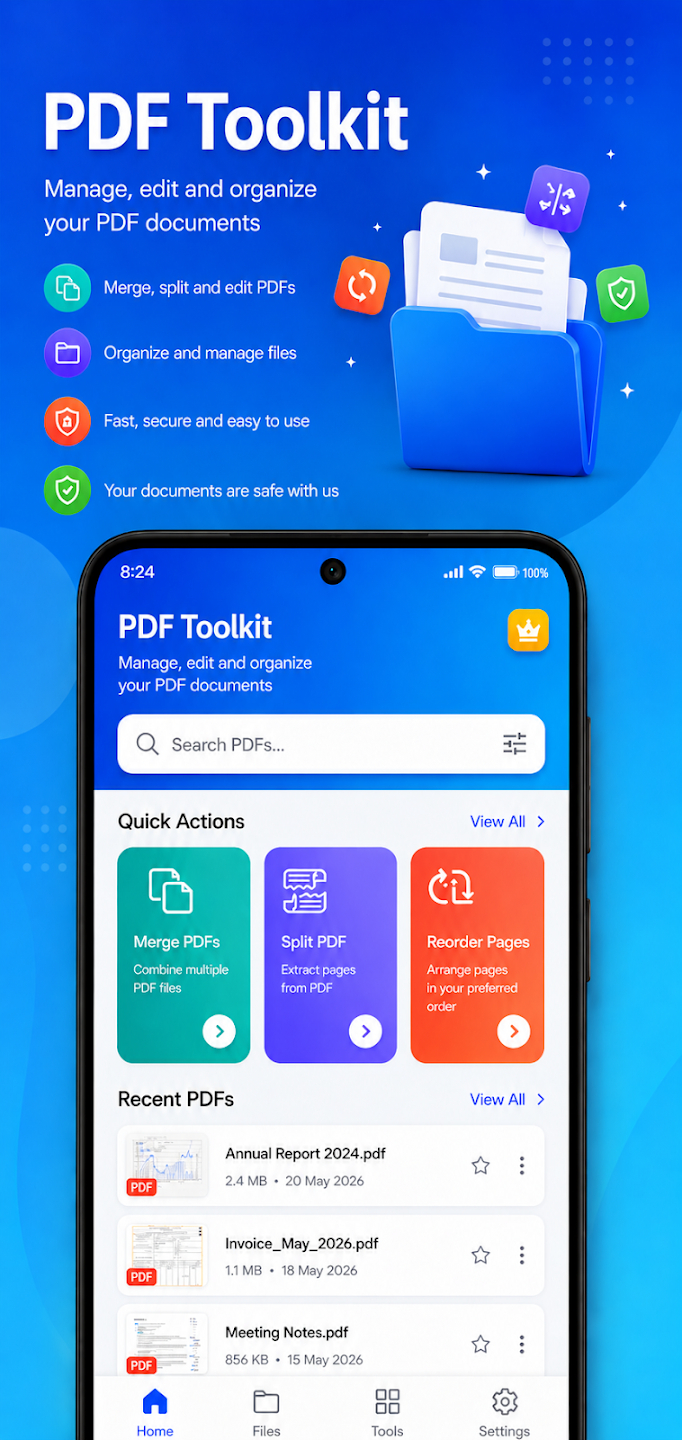
Merge, split, and reorder PDFs from one home screen.
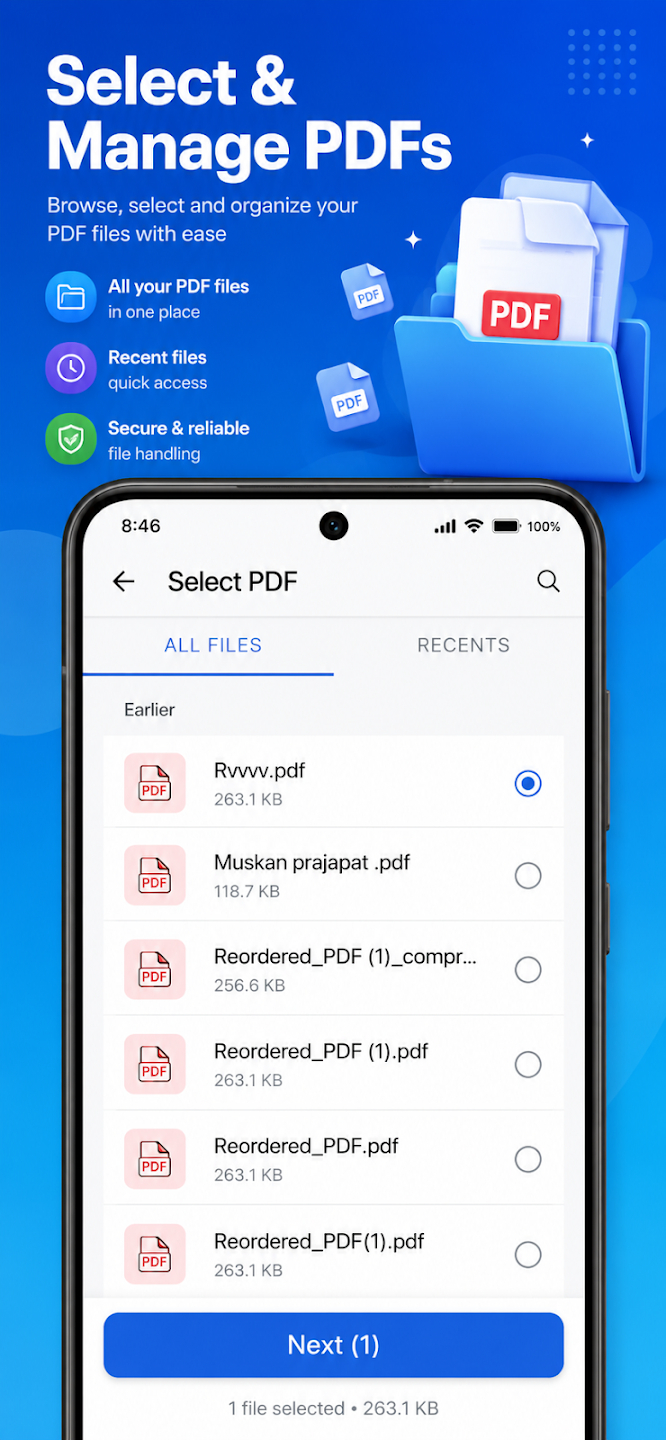
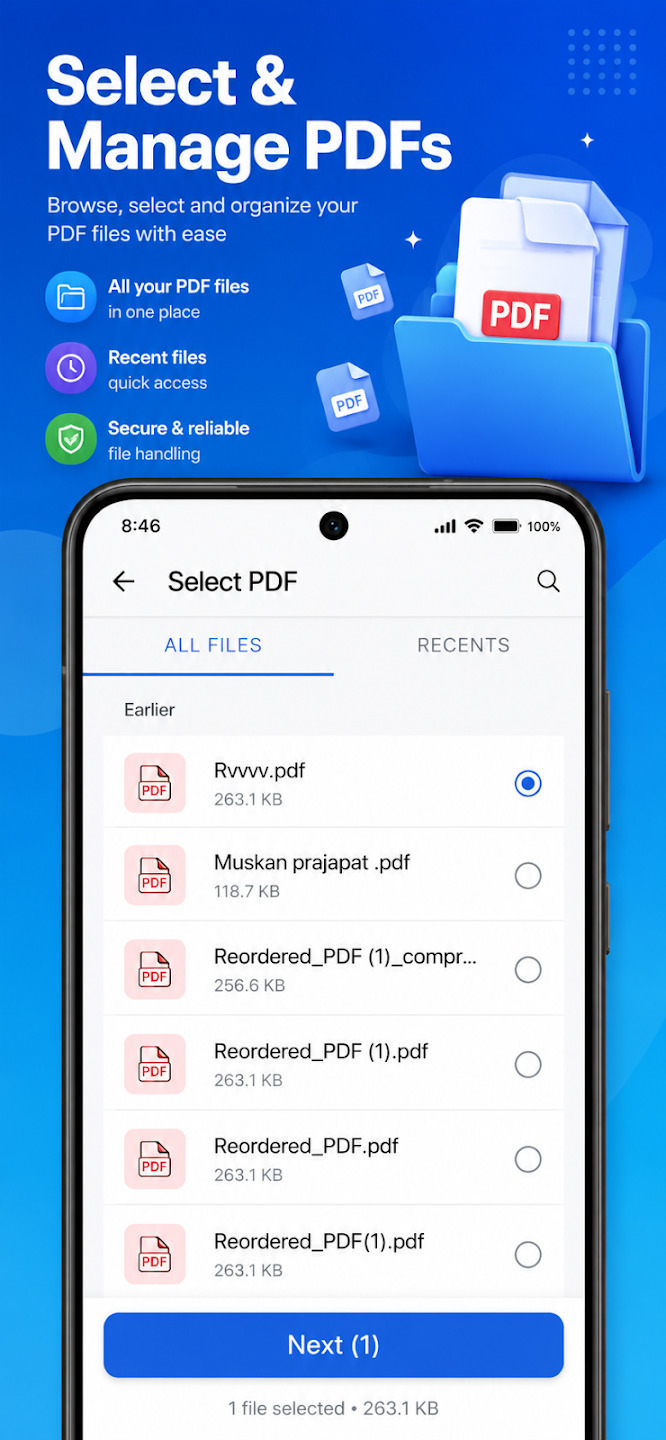
Browse and select the PDF files you want to merge.
Common Questions
Can I compress a PDF without losing quality?
Yes, PDF Mergify uses a compression algorithm designed to reduce file size while preserving quality.
Can I reorder or delete pages after merging?
Yes, you can reorder sections and delete individual pages directly in the app.
Can I password-protect the merged PDF?
Yes, password protection is available when managing your PDF files.
Ready to try PDFMergify Merge & Split PDF?
Free to download. No sign-up required to get started.
Download