


Creating Professional Business Branding Banners on Your Phone: Step-by-Step

Quick Mobile Branding for Small Business Owners

Developing a consistent visual style is critical for branding. Your banners should have a unified theme, showcasing your logo, brand colors, and contact info clearly. Here is how you can set up a professional campaign using a mobile business branding post maker.

Step 1: Set Up Your Business Profile

Open Post Sathi and fill out your business profile. Add your company logo, office address, contact details, email, and social media IDs. The app saves this profile and applies it automatically as a footer to your designs.

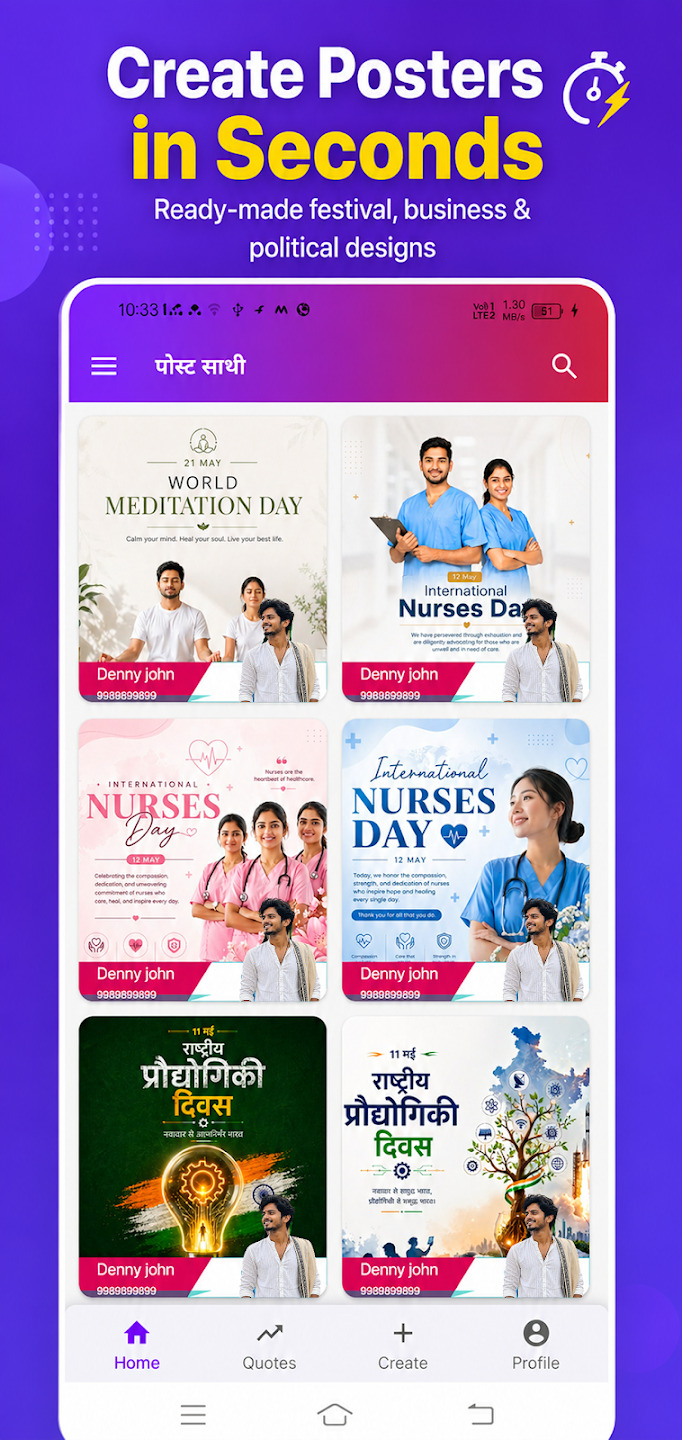
Step 2: Choose Your Target Template

Navigate through categories like “Festivals,” “Daily Greetings,” or “Business Promotion” to select a theme that matches your current campaign goal.

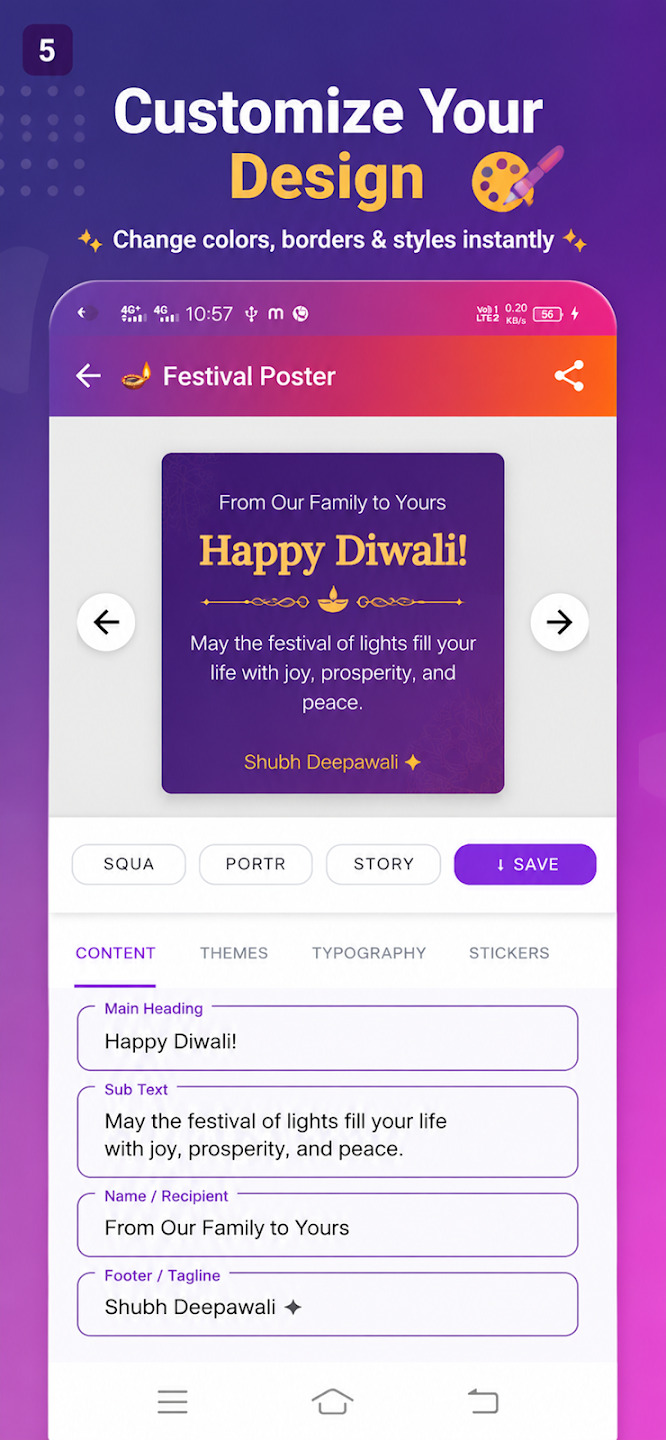
Step 3: Modify Layout & Font Structure

Adjust text elements to match your promo terms. Choose clean fonts and ensure you leave ample negative space around the image so it doesn’t look crowded.

Step 4: Save & Share in High-Res

Export the design in high quality. Share it directly to WhatsApp Business or schedule it for your Instagram and Facebook feeds.
Leave a comment

Your email address will not be published. Required fields are marked *

Testimonials

What Our Users Says About Us

Testimonial Quote Icon

Thank you for fixing everything and helping me the owner to have full access again on my OPPO. It was much appreciated.

Olivia Diez Avatar

Olivia Diez

Testimonial Quote Icon

It helped solve my problems with my android such as fixing errors an corrected them

Lenora Kennedy Avatar

Lenora Kennedy

Testimonial Quote Icon

I got my phone fixed and this seems to work now. Thank you for getting back to me. I'll give it a workout in bit. It seems like it's more for a tablet than a mobile phone!

Ruth Weisberg Avatar

Ruth Weisberg

Testimonial Quote Icon

Awesome application, I recommend it to anyone who's having issues with their play store / market to give this application a Go. 📱👌😄

J Luna Avatar

J Luna

Testimonial Quote Icon

It helped fix my problem! That error thing kept popping up n my messages n this app helped me fix my problem! Thank you!

Riley Avatar

Riley

Testimonial Quote Icon

Very nice app it gives you very important procedure for handleling issues on your phon i like it .

Muntu Ahmad Avatar

muntu ahmad

Download the Apps and Make life Simpler