
The Play Store has seen many minimalist puzzle games, but few achieve the perfect balance of relaxation and intense cerebral strategy like Arrow Master: Shape Maze by realtechnolab. In this overview, we explore the core mechanics, advanced tactical decisions, and shape maze layouts that make this app an absolute must-download for Android gamers.
How to Play Arrow Master: Shape Maze
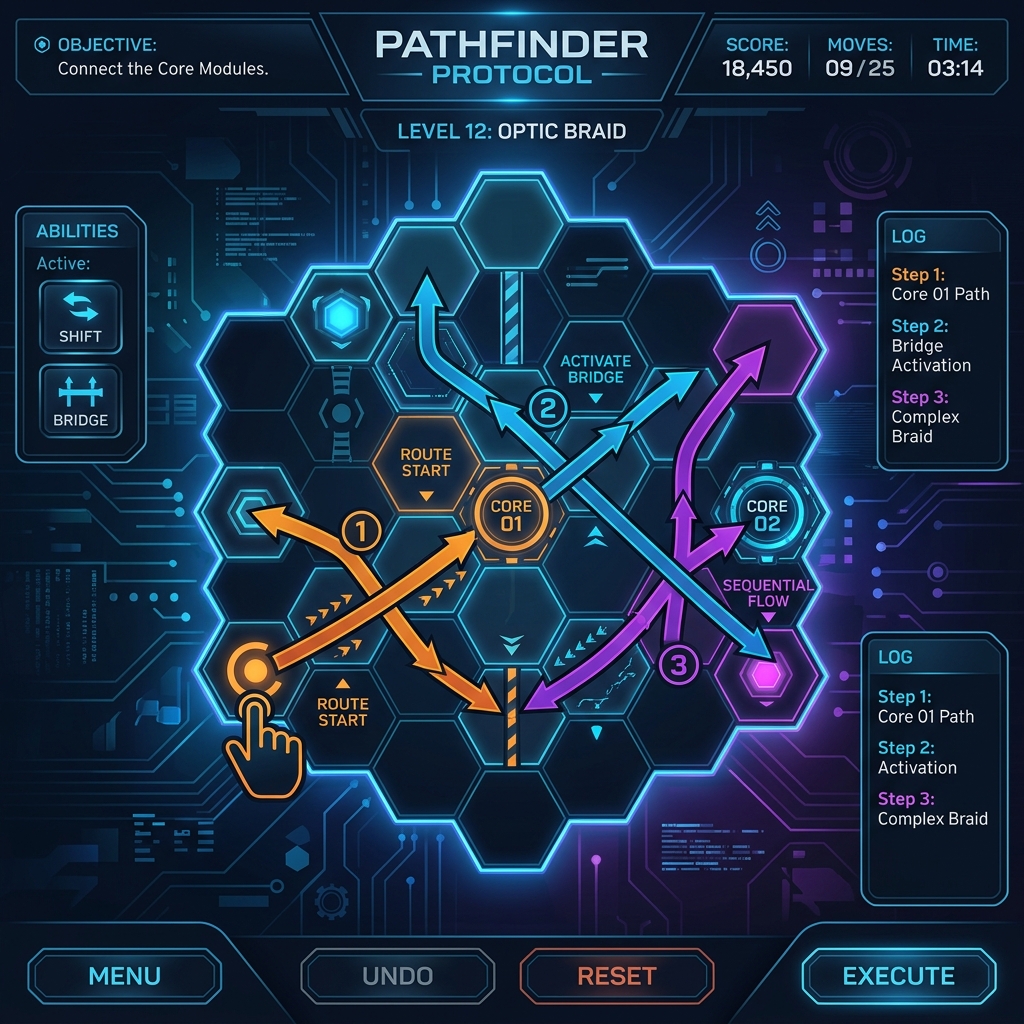
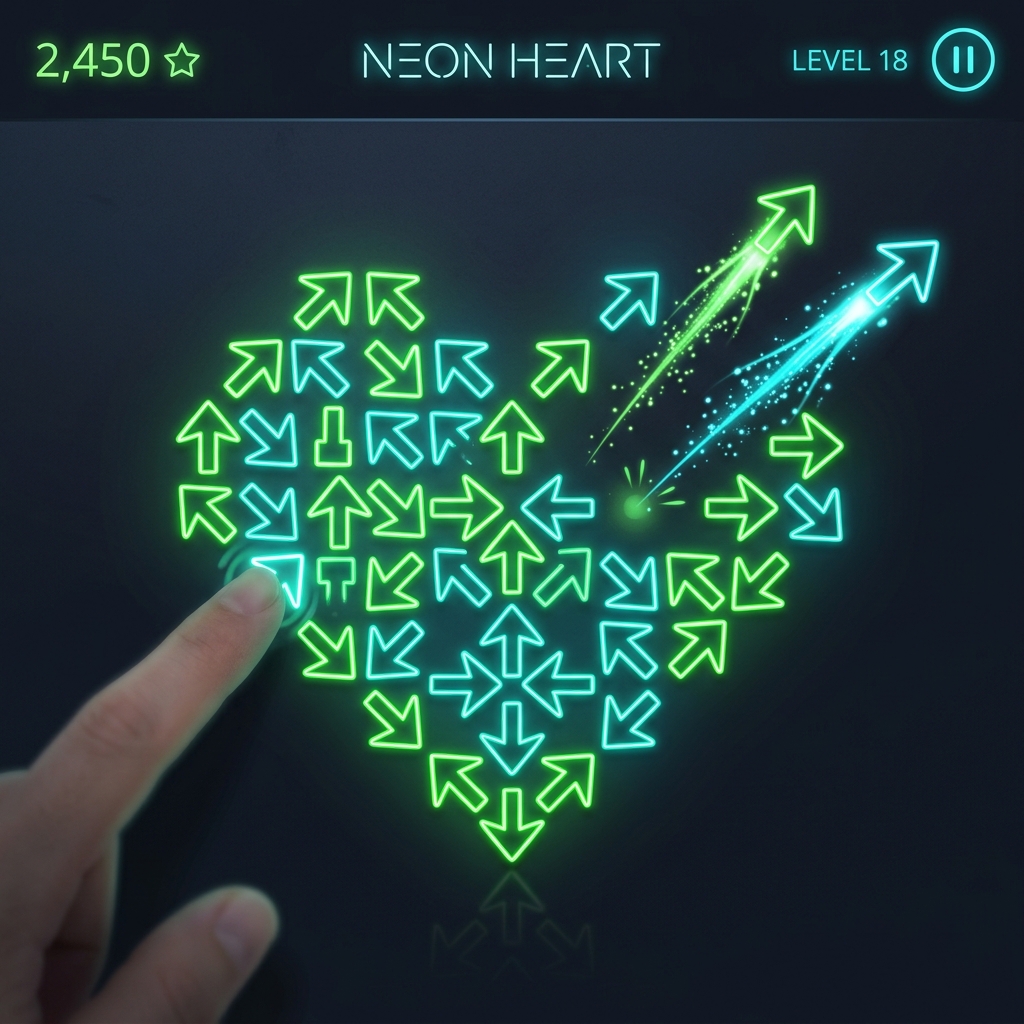
The mechanics are deceptively simple: tap to shoot. Yet, as you enter the higher levels, the intersecting paths of arrows create a tangled grid. You must mentally simulate the trajectory of each arrow. A single misplaced tap can cause a chain reaction of blocked paths, forcing you to utilize the retry function or ask for hints.
Key Strategies to Solve Shape Mazes
- Use hints for bottleneck levels: If you get stuck on complex shapes like the Dragon or the Crown, use the hint system to reveal the first three steps.
- Keep track of the overlapping grids: Remember that arrows move infinitely in their pointing direction until they exit the screen.
- Embrace the retry button: Trial and error is a legitimate puzzle strategy. Each reset helps you map out incorrect paths.
Why RealTechnoLab Stand out in Puzzle Design
The developers at realtechnolab have focused heavily on user experience. The touch controls are buttery smooth, the sound design is soothingly ambient, and there are no stressful timers. This allows players to solve puzzles at their own pace, making it a wonderful tool for relaxation and mental stimulation.
Conclusion & Download Link
If you want to experience the future of logic puzzle designs, head over to the Google Play Store and download Arrow Master: Shape Maze on Google Play. It is a testament to realtechnolab‘s commitment to high-quality, addictive, and brain-stimulating apps. Give your mind the workout it deserves!
Package Name: com.realtech.snakego.arrowgo