
Selecting the Best Mobile Banner Creator for Your Business
Creating marketing materials on the go has become a necessity for modern entrepreneurs. While there are many design tools available on the Google Play Store, finding the right custom business banner maker requires checking for specific features that save time and deliver professional results.
Essential Features for Mobile Design Apps
To help you choose, we have compiled the top features that make a business flyer app highly effective:
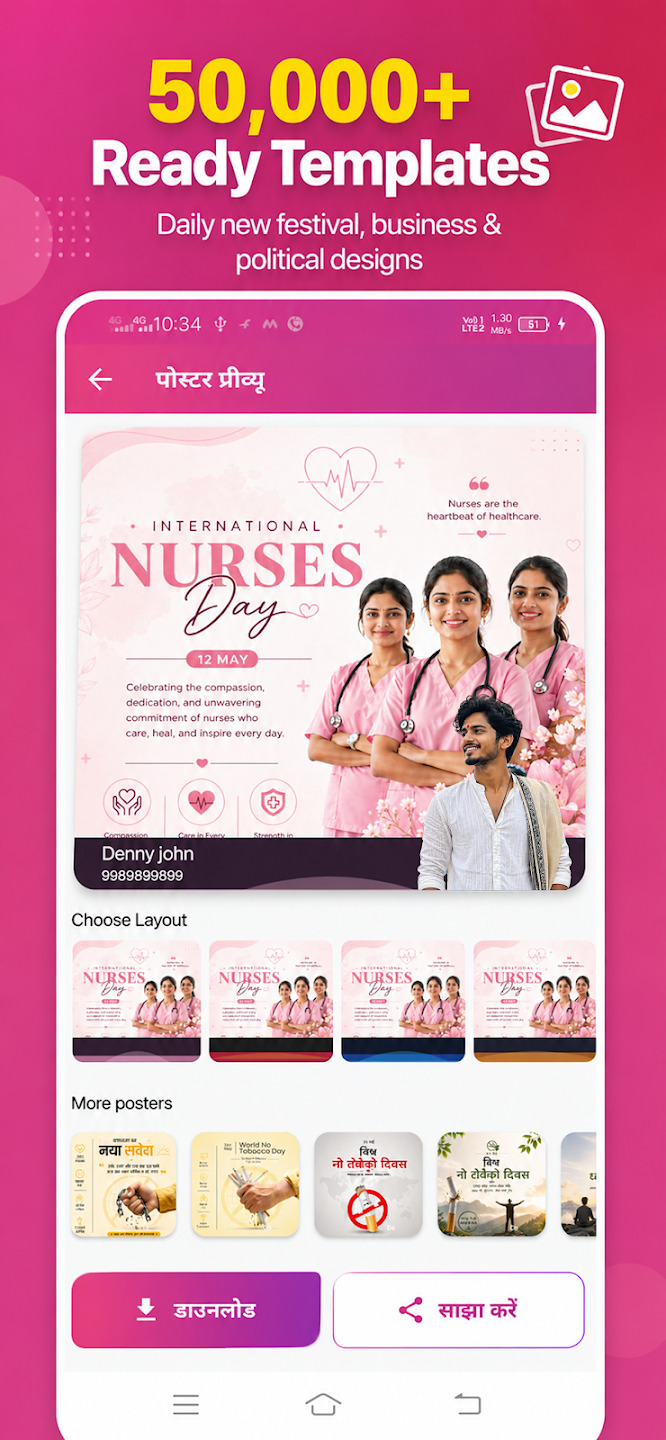
- Pre-built Business Templates: Ready-to-use templates for sales, discounts, launches, and hiring.
- Brand Profiles: Save your logo, email, and social handles so they automatically apply to new designs.
- Multilingual Support: Create banners in English, Hindi, Marathi, Gujarati, and other regional languages.
- High-Resolution Exports: Banners should remain crisp and clear when posted online or printed.
- Custom Font Choices: Access to a wide variety of clean, bold, and stylish typography.
- Stickers and Graphics: A rich library of promotional icons, call-to-actions, and background shapes.
- User-Friendly Interface: Drag-and-drop mechanics that do not require design experience.
- Offline Capabilities: The ability to edit layout structures even without an active internet connection.
- Photo Adjustments: Crop, resize, and apply filters to your product images.
- No Annoying Watermarks: The final output should highlight your brand, not the app’s developer logo.
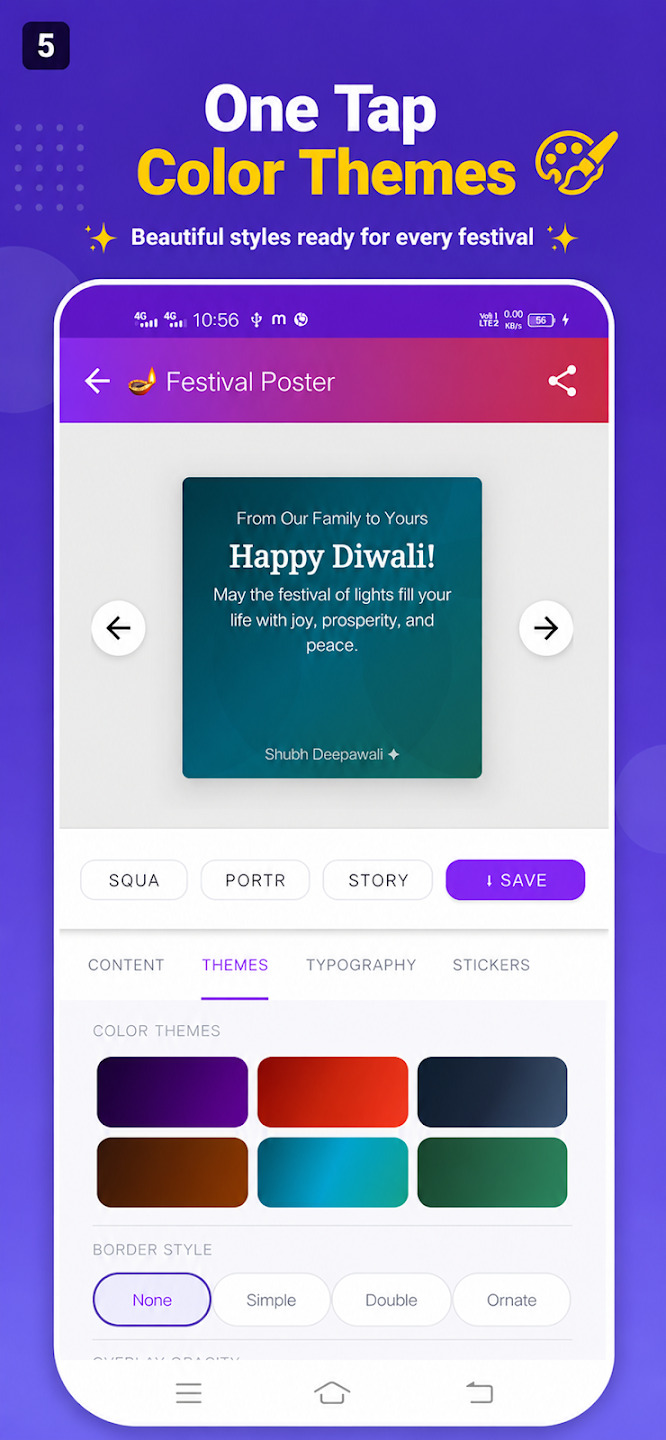
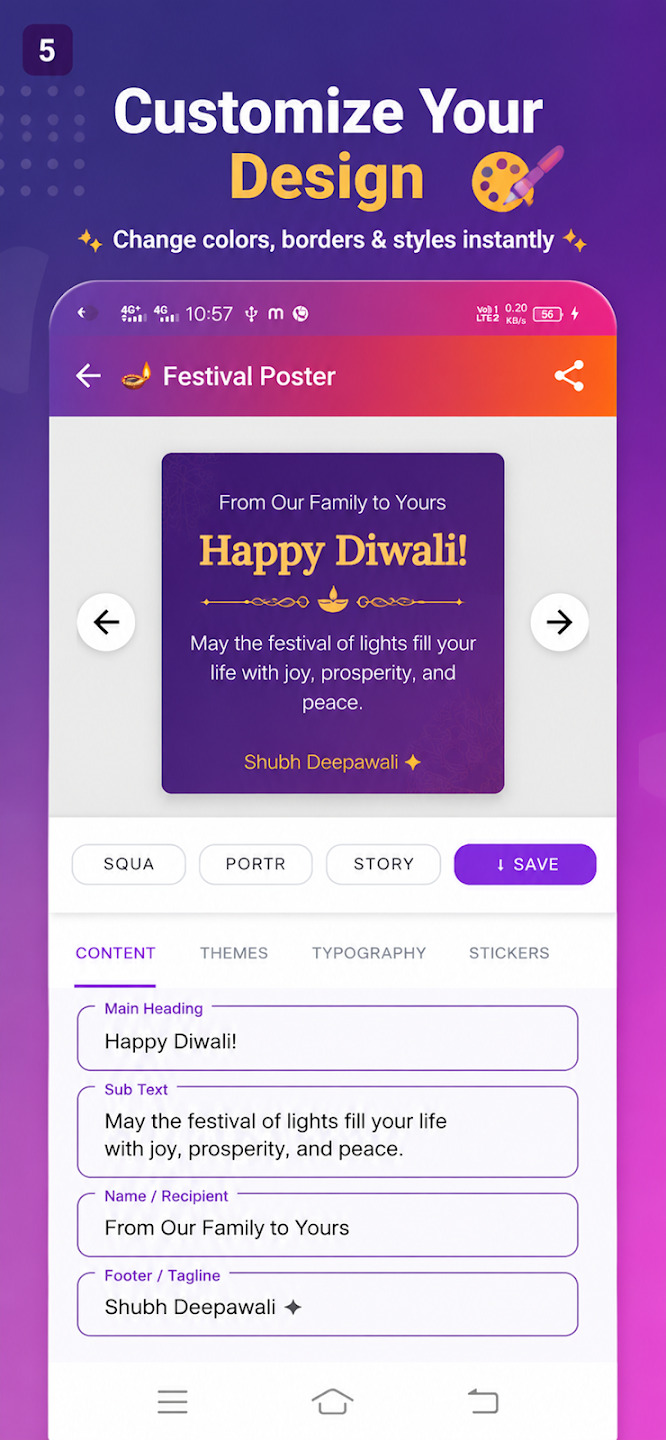
Apps like Post Sathi cover all these critical bases, making them the ultimate tools for micro-entrepreneurs worldwide.